VPS Server for Point of Sale and Multi-Branch
VPS Server for Point of Sale and Multi-Branch Operations: When a company grows and opens new branches, it sooner or later discovers that isolated cash registers, scattered databases, or outdated equipment in each store are no longer sufficient. Therefore, centralizing operations in a controlled environment becomes a strategic decision. In this context, a well-designed VPS becomes the "brain" that coordinates sales, inventory, and billing in real time, without relying on fragile equipment installed in each branch.
Typical scenario before using a VPS Server for Point of Sale and Multi-Branch

Centralized architecture for cash registers and inventories
Before taking the leap, many organizations work with a patchwork of solutions: computers in each store with different systems, spreadsheets sent by email, and local databases that are almost never backed up. Furthermore, discrepancies between physical and system inventory are common because each point of sale captures information independently.
Consequently, consolidating information for the administrative area becomes slow and prone to errors. Likewise, when a branch suffers theft or equipment failure, the company can lose valuable data. Therefore, switching to a centralized model with a VPS becomes a practical way to streamline the entire ecosystem of point-of-sale systems, card readers, printers, and administrative systems.
Operational advantages of a VPS server for Point of Sale
By migrating to a centralized platform, branches cease to operate as technological silos and begin to function on a single database. In this way, every sale recorded at a register immediately impacts the overall inventory, accounting, and management reports.
Furthermore, a well-configured VPS allows you to:
-
Unify product catalogs, prices, and promotions.
-
Control permissions by user, branch, or role.
-
Generate consolidated reports by day, store, or region.
-
Keep branches operational even in the event of occasional local hardware failures.
When this infrastructure is combined with an ERP or a specialized system, such as an on-premise Odoo installation explained in the article on Cobalt Blue Web on a dedicated VPS server, The company obtains a consistent platform from cash flow to financial statements.
Technical Requirements of a VPS Server for Point of Sale and Multi-Branch
For the project to be stable, it's not enough to simply hire "any old server." In reality, it's important to define a minimum set of technical specifications. Typically, it's recommended to use multi-core processors, enough RAM to support simultaneous connections from all branches, and SSD storage for fast system response.
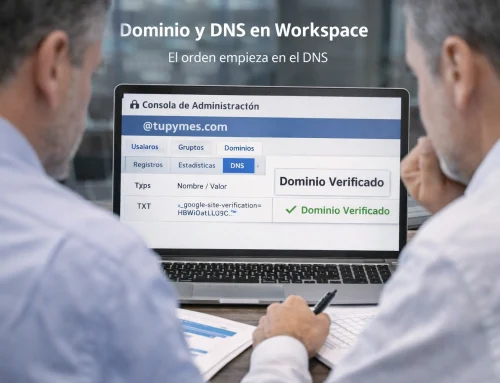
Likewise, a robust operating system (Windows Server or a stable Linux distribution) is essential, along with a database engine capable of handling intensive transactions. In many cases, the company also requires a user-friendly control panel to manage domains, email, and auxiliary services; therefore, solutions like the reliable and fast cPanel hosting described by Cobalt Blue Web They integrate very well with mixed architectures where web applications and corporate services coexist.
How to size your VPS server for Point of Sale and Multi-Branch

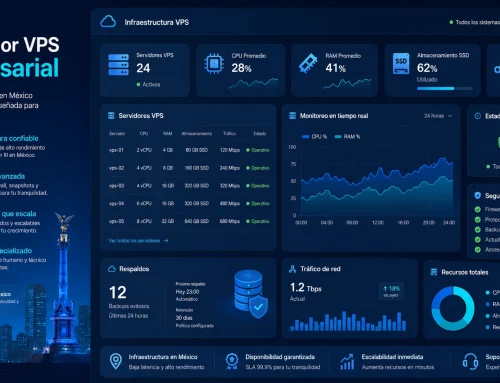
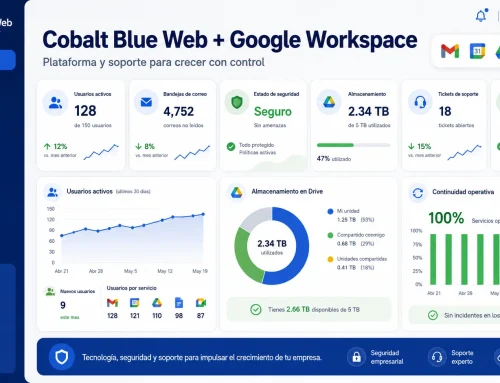
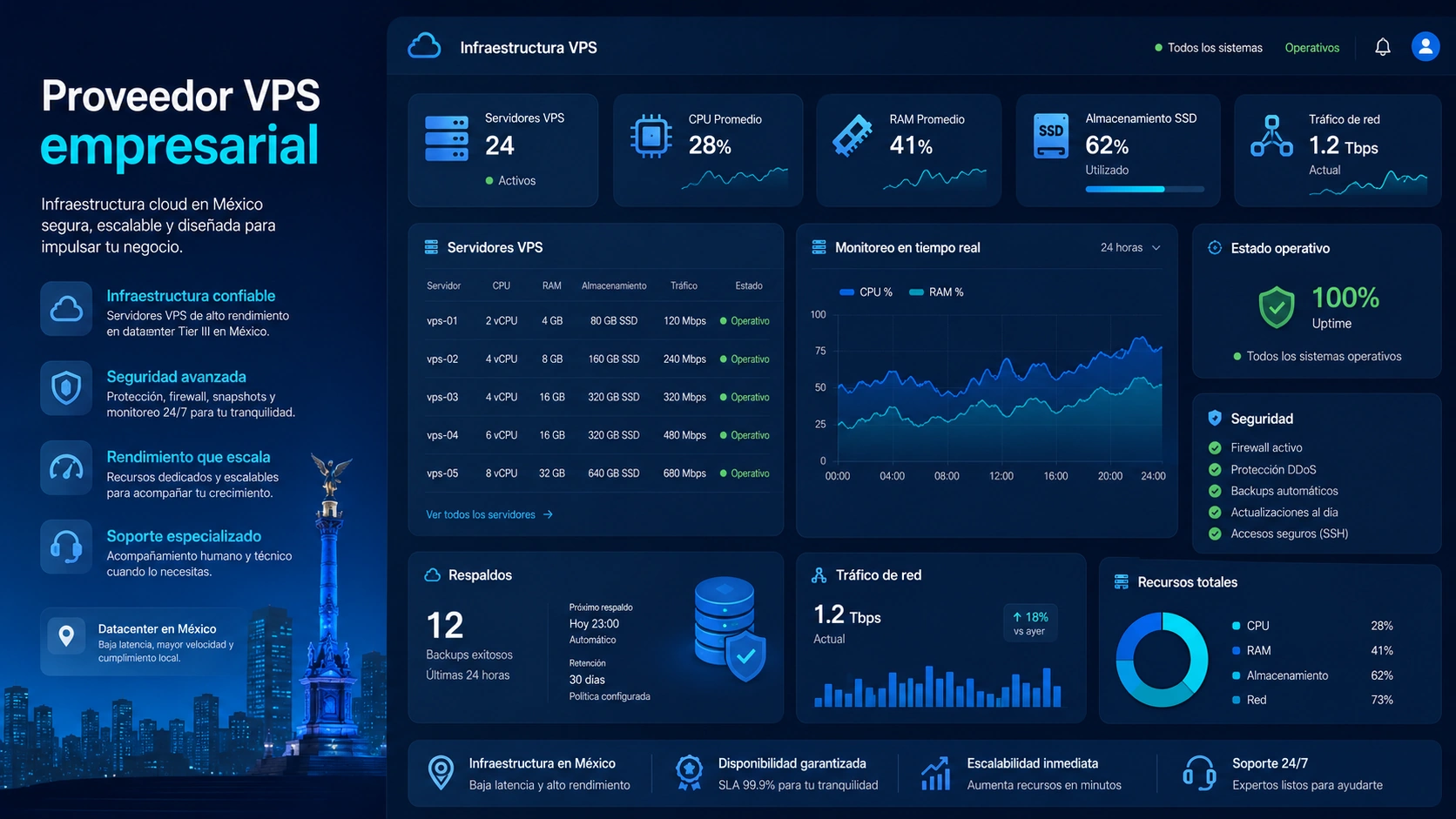
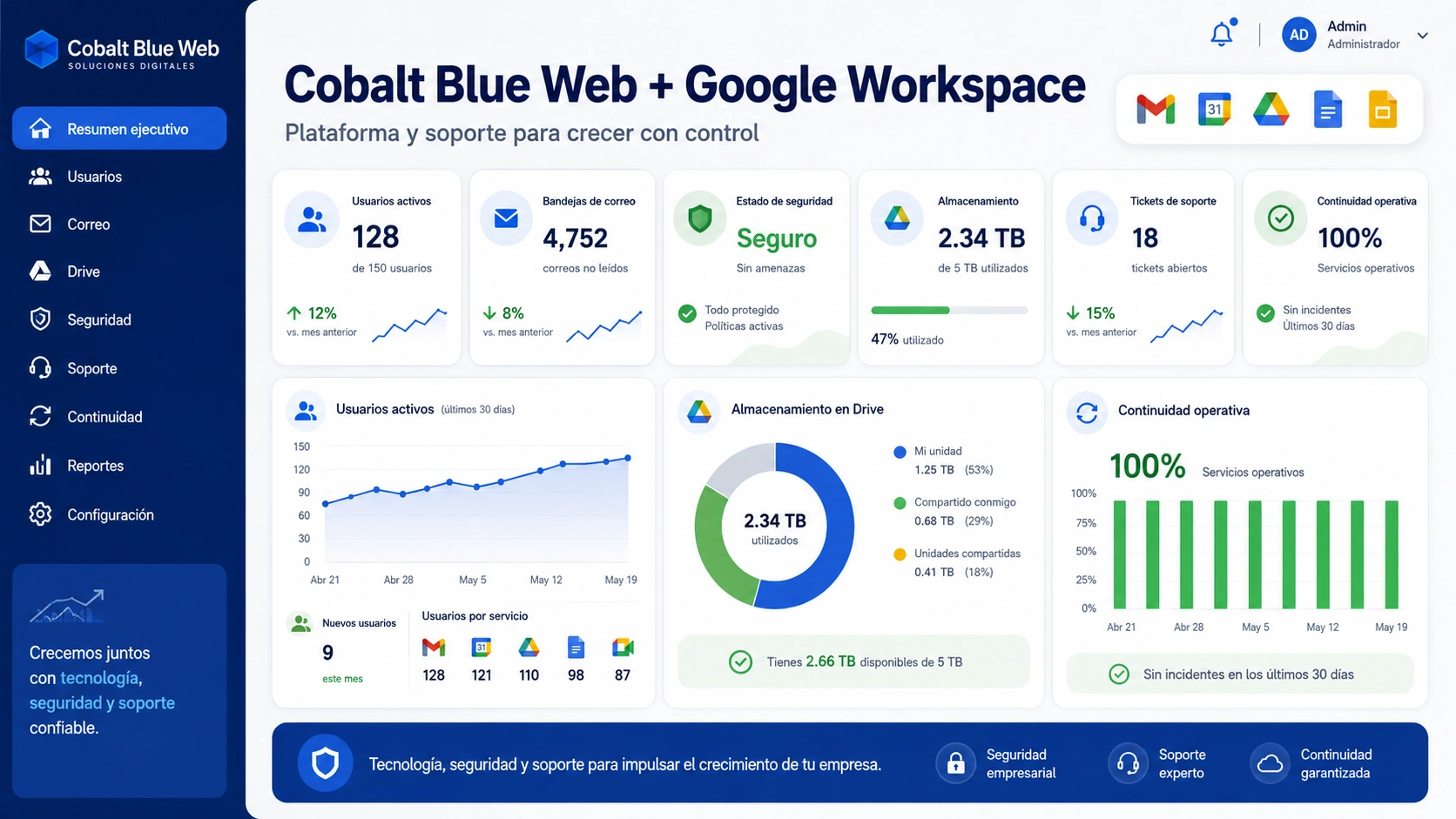
Dashboard with metrics for CPU, RAM, and active sessions
The correct sizing depends on three variables: the number of branches, the number of simultaneous checkouts, and the complexity of the system. For this reason, it's advisable to carefully analyze peak operating times. For example, a chain with five stores and one checkout per location doesn't have the same demand as an organization with twenty branches and several checkout stations per store.
Generally speaking, the more points of sale that are connected, the more important it becomes to have multiple virtual processors, at least 8 or 16 GB of RAM, as well as sufficient disk space for databases, backups, and audit logs. At this point, it is very useful to review reference scenarios such as those presented in the guide. cloud servers for businessesThis section describes resource levels designed for critical applications. Reading it can help you visualize which capacity tiers might best suit the expected growth of your branches.
Security and backups on your VPS Server for Point of Sale and Multi-Branch

Locks, clouds, and disks represent data protection.
When all billing and cash register operations rely on a single server, security is no longer negotiable. Therefore, it is essential to implement encryption in communications, authenticate each user with strong credentials, and restrict access via IP addresses, VPNs, or secure tunnels.
Furthermore, daily backups are no longer a luxury but a mandatory policy. Ideally, you should have copies at different levels: VPS snapshots, database backups, and additional exports of the most sensitive information. It's also advisable to schedule restore tests so the company can confirm that the backups not only exist but can actually be activated when an incident occurs. If your organization is looking for high-availability and geographically redundant architectures, you can again refer to the models explained on the cloud servers for businesses page. evaluate tailored strategies.
Integrate the VPS Server for Point of Sale and Multi-Branch with other platforms
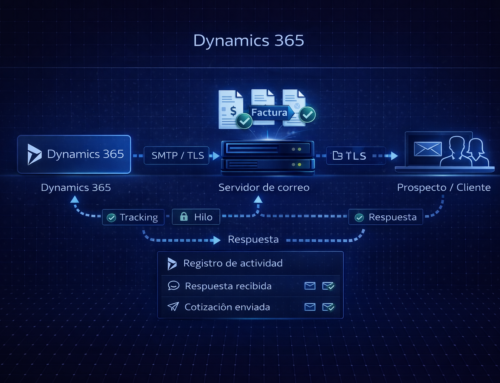
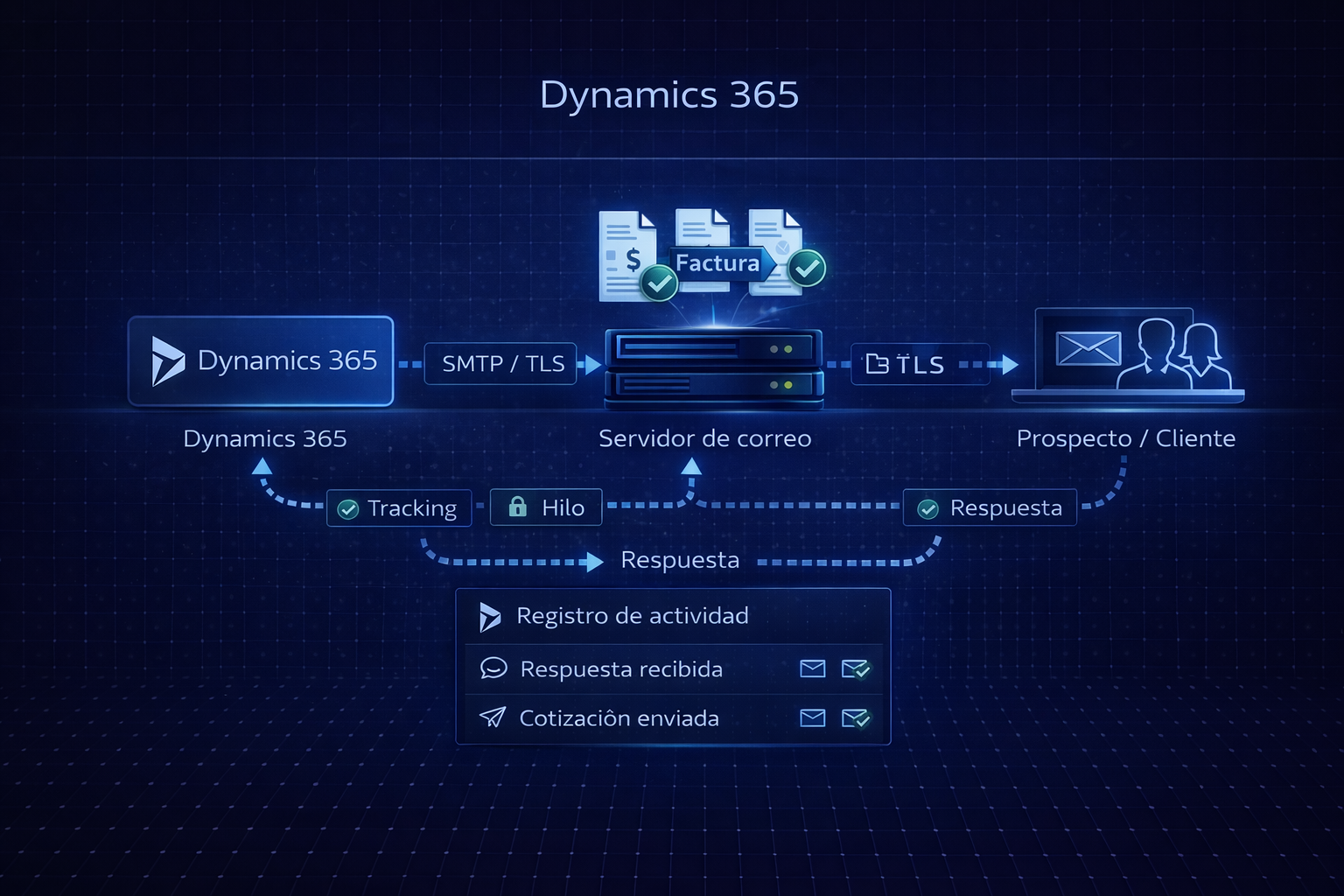
In practice, the VPS hosting your payment system rarely operates in isolation. It's frequently integrated with an ERP, accounting modules, loyalty tools, or even e-commerce platforms. Consequently, the architecture must facilitate secure API connections, catalog synchronization, and seamless communication between components.
For example, if you use an ERP on a Windows VPS like the one that Cobalt Blue Web As described on their business plans page, you can design a setup where the central point-of-sale VPS sends information to another server specializing in reporting or business intelligence. This way, you avoid overloading the machine that handles the checkouts and, at the same time, provide management with a detailed dashboard for decision-making.
When to migrate to a VPS server for Point of Sale
Not all companies are required to migrate from day one. However, there are clear signs that the time has come to professionalize the infrastructure. For example, when there are frequent application crashes at checkout, constant discrepancies between physical and reported inventory, or difficulties consolidating information from all stores, it's evident that the current model can no longer keep up with the pace of business.
In this scenario, it is advisable to design a migration plan with testing in a mirror environment, staff training, and well-communicated change windows. It is also worthwhile to review scalable infrastructure options, such as those described in the diagrams of cloud servers for businessesand validate in advance how the branches will be connected, which devices will be updated, and what configuration will be maintained at each point of sale.
Why Cobalt Blue Web is an ally for your point-of-sale infrastructure

Specialists reviewing monitoring panels in a data center
Choosing a VPS provider isn't just about comparing prices. Rather, it requires evaluating real-world experience with enterprise applications, support policies, and the ability to scale with customer growth. Cobalt Blue Web works daily with servers dedicated to ERPs, administrative systems, corporate email, and custom projects, so they understand the specific needs of cash registers, branches, and internal controls.
Furthermore, the company has already documented best practices on topics such as on-premises Odoo servers and Windows VPS for administrative systems, which are reflected in its technical articles and use cases. If your organization wants to move to a centralized point-of-sale platform, it's reasonable to analyze the architectures suggested by both Cobalt Blue Web and its cloud infrastructure partners, as shown in the cloud server guide for businesses. This will give you a...more complete vision before making an investment decision.
Frequently asked questions about VPS for point of sale and branch offices
1. What does my company gain by migrating point-of-sale systems to a centralized VPS?
You gain unified inventory control, real-time reporting, consistent security policies, and less reliance on legacy equipment in each store. Plus, you can scale resources without changing your entire physical infrastructure.
2. Is it mandatory for all branches to be connected to the internet at all times?
In most cases, yes, because the database is located in the data center. However, some systems allow temporary offline modes for basic operations, which are then synchronized when the connection is restored.
3. What type of bandwidth do I need to connect my boxes to the VPS?
It depends on the number of terminals, but symmetrical and stable connections are usually sufficient, prioritizing connection quality over the maximum theoretical speed. Furthermore, it is advisable to segment point-of-sale traffic from the branch's general traffic.
4. Can I host the same administrative system and point of sale on a single VPS?
Yes, provided it's properly sized. Even so, when the load starts to increase, it's advisable to separate functions onto different virtual servers to maintain a smooth experience for the checkouts and protect the performance of other areas.
5. What happens if the VPS goes down during a high-demand day?
That's why redundancy, frequent backups, and constant monitoring are so important. With a proper architecture, serious outages can be reduced and recovery times significantly shortened if an incident occurs.
6. Is it better to use a Windows or Linux VPS for point of sale systems?
It all depends on the software you use. Some systems work better on Windows Server; others are optimized for Linux. The important thing is that the provider has experience managing the chosen platform and can offer real support when questions arise.
7. How are the points of sale integrated with the corporate ERP?
They typically connect via APIs or scheduled synchronization services. This allows sales to impact the company's accounting, inventory, and financial reports in real time or near real time.
8. What security measures should I demand from my VPS provider?
You should require TLS encryption, properly configured firewalls, network segmentation, intrusion attempt monitoring, and clear backup policies. It's also advisable to request access logs for internal audits.
9. How long does a complete migration from boxes to VPS usually take?
The timeframe varies depending on the number of branches and the complexity of the systems. However, with proper planning, many companies achieve phased migrations that respect critical schedules and minimize disruptions.
10. Where can I see examples of enterprise VPS architectures for multiple systems?
You can review different capacity and design scenarios by visiting the cloud server guide for businesses at servidorswebnubecloud.mx, where alternatives are described that serve as a starting point for planning your own infrastructure.