Your server boots up every morning, your systems load normally, and everything seems to be working. But one day, an error message appears that no one can resolve, or your provider informs you that your support plan has ended. It's at that moment that you discover your IT infrastructure is left without backups, without updates, and without a team to respond if something goes wrong.
This scenario is more common than it seems. Thousands of companies in Mexico and around the world operate today with servers without supportRelying on systems that no longer receive maintenance or security patches. In the short term, this may seem like a way to save costs; but over time, that decision becomes a constant source of vulnerabilities, downtime, and lost productivity.
Having a server without support is like driving a car that no one checks: it might keep going, but the risk increases every day. The difference is that, in the digital environment, a failure can cost much more than a repair: lost data, lost sales, or even a cyberattack.
What does it mean to have a server without support?
Un server without support It is one that no longer receives maintenance, security patches, or technical support from the manufacturer or supplier.
This can happen for various reasons:
-
The operating system or software reached the end of its life cycle (for example, Windows Server 2012 or CentOS 7).
-
The hosting provider closed, changed its business model, or stopped offering personalized support.
-
The hardware is old and its parts or firmware are no longer replaceable.
In any of these cases, the result is the same: a vulnerable system, with no guarantee of updates and no backup in case of failure.
It's like continuing to use a car with no spare parts available: it can still move, but it becomes less safe every day.
The risks of maintaining unsupported servers
1. Vulnerabilities and security gaps
An outdated server is the primary target of cyberattacks.
According to The report of StatistaMore than 60% of enterprise cybersecurity incidents originate from unmaintained or outdated software versions.
Without patches or oversight, any exploit can become an open door to information theft, ransomware, or data corruption.
2. Data loss and downtime
Without technical support, recovery from a failure depends solely on the team's internal knowledge.
A downturn can last for hours or even days, with losses in productivity and reputation that are impossible to quantify.
3. Hidden costs
Although it may seem cheaper to maintain an old server, every hour of downtime can cost thousands of pesos in sales, customer service, or internal productivity.
And in the end, when a serious failure occurs, the emergency expense to restore everything is usually much greater than that of a planned migration.

The risks of maintaining an unsupported infrastructure are significant.
Real alternatives for companies seeking support and stability
Migration is not just about “moving your data somewhere else”.
It's about redesigning your company's technological foundation with a focus on operational continuity.
These are the most effective options:
1. Migrate to a Cloud VPS with included support
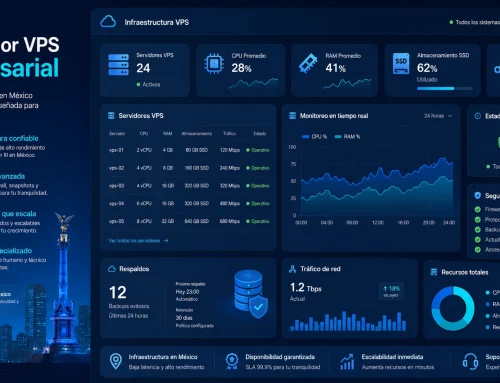
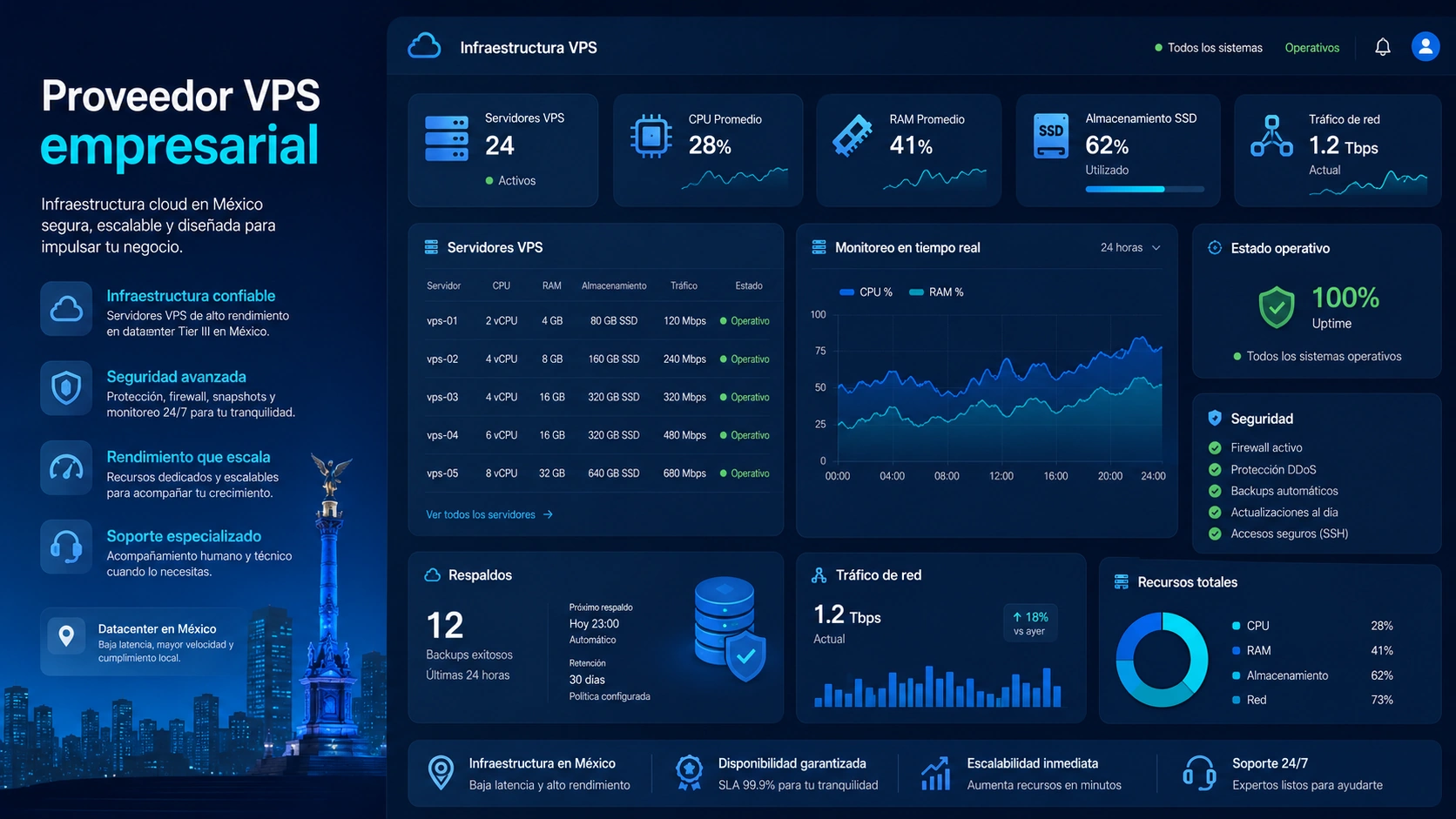
The VPS Cloud They combine flexibility, performance and ongoing technical support.
Unlike older servers, they offer automatic backups, on-demand scalability, and constant monitoring.
With a plan of VPS CloudYour company gains independence from physical hardware and 24/7 support, without interruptions or data loss.
2. Hire managed dedicated servers
For companies with mission-critical applications or high traffic volumes, a managed dedicated server It provides exclusive resources, advanced security, and ongoing maintenance from the provider.
This eliminates the technical burden on the internal team and ensures smooth operation.
Example:
A software firm serving hundreds of customers simultaneously can focus on its product while the vendor handles updates, backups, and monitoring.
3. Start with shared hosting with active technical support
If your company is growing and doesn't yet require its own infrastructure, a shared hosting plan With real technical support, it can be a good starting point.
It allows you to maintain an online presence with basic support, and later migrate to a Cloud or dedicated environment when traffic demands it.
How to plan a seamless migration
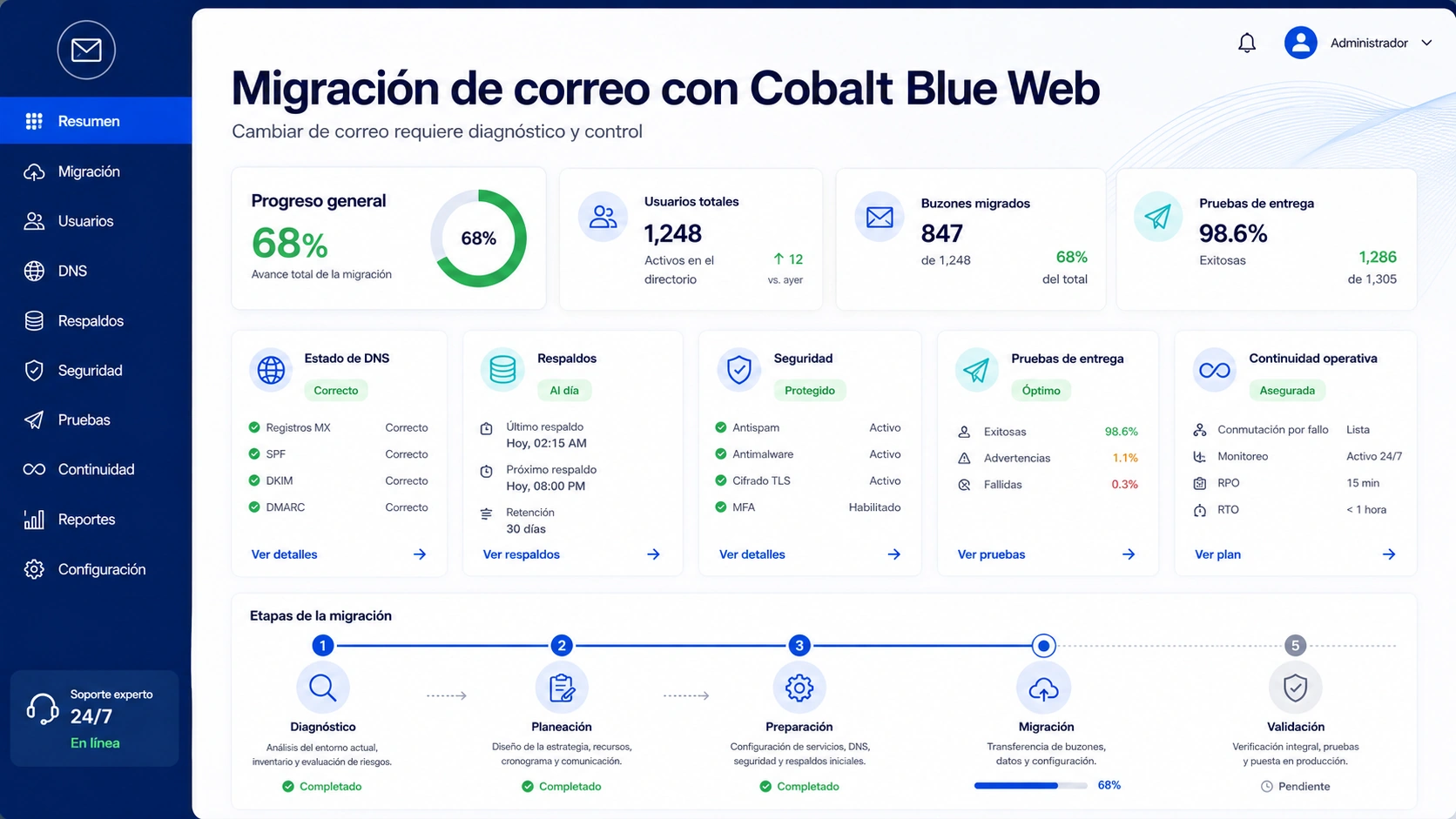
Migrating to a new infrastructure may sound complex, but with the right strategy it is a smooth and secure process.
-
Evaluate your current infrastructure.
Analyze the age of the server, the resources it consumes, and the services that depend on it. -
Identify the critical systems.
Determine which processes (email, database, applications, or website) cannot be stopped during the transition. -
Perform a full backup.
Keep up-to-date copies of all your information before making any changes, preferably on external storage or in the cloud. -
Plan your migration outside of peak hours.
Choose a time of low activity to minimize the impact on your operations and users. -
Check compatibility.
Confirm that the new environment supports the software versions, databases, or frameworks used by your company. -
Run tests before making the final change.
Simulate the system's operation on the new server to detect errors or incompatibilities before making it public. -
Coordinate with your team or technical provider.
Make sure there is direct communication with those managing the migration, to resolve any unforeseen issues in real time. -
Monitor performance after migration.
During the first few days, check loading times, stability, and user access to confirm that everything is working correctly. -
Update passwords and logins.
Once the migration is complete, modify credentials and verify security permissions. -
Document the process.
Record the steps, settings, and results. This will facilitate future updates or new migrations.

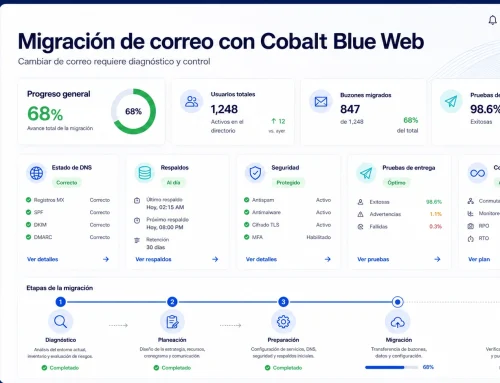
Secure migration to the cloud
FAQ
Can I keep my data when I change servers?
Yes. With a planned migration process, the provider can replicate the configuration and move the information without loss or disruption.
The secret is to make full backups before the change.
What kind of support should I demand from my new provider?
Look for technical support in Spanish, continuous monitoring, automatic updates, and defined response times.
A reliable provider offers 24/7 support and direct communication with the technical team.
How long does a complete migration take?
It depends on the size of the project and the amount of data, but an experienced provider can complete the migration in a matter of hours.
In many cases, the process occurs in the background, without affecting daily operations.
What if my current system relies on older software?
There are virtualization solutions that allow compatibility to be maintained during the transition.
A plan of VPS Cloud or managed dedicated server This may include advice on preserving critical functions without compromising security.
Conclusion: It's not just about a server, it's about protecting your company.
Continuing to use an unsupported server is leaving the security of your business to chance.
Migrating to a modern infrastructure with technical support not only guarantees stability, but also It frees you from risk and uncertainty.
Don't wait until a failure forces you to stop operations.
Discover how our Cloud VPS servers y managed dedicated servers They can keep your business running, secure, and ready to grow.