Email Provider for Enterprise ERP This is a search that often arises when the ERP system "works," but email becomes the weak point: notifications that don't arrive, invoices that go to spam, attachments that bounce, or conversations that get lost in inboxes. Therefore, if your ERP relies on email to close cycles (sales, collections, support, billing), it's best to choose your email provider based on operational criteria and not just "cost per account."
Email Provider for Enterprise ERP: Why Email Is Not an Accessory
In an ERP system, email is not just for communication; it's an integral part of the process. The ERP sends confirmations, statements, notifications, tickets, and reminders, and also records responses to maintain traceability. Consequently, when email fails, operations are affected: tasks are duplicated, document delivery is delayed, and tracking is lost.
The common mistake is choosing a "general" email provider and expecting it to magically be compatible with the ERP. However, ERPs require a stable outbound channel (SMTP) and, often, an inbound channel that allows for logging and continuity (depending on the system). They also require reputation, DNS authentication, and support capable of providing evidence-based diagnostics. Therefore, an email provider for an enterprise ERP is defined by stability and traceability, not by marketing.
If you want to review options already structured by scope (from managed email to monitored support), you can start with the server plans for business email to compare what each scheme includes in actual operation.
Email Provider for Enterprise ERP: Technical Criteria That Matter
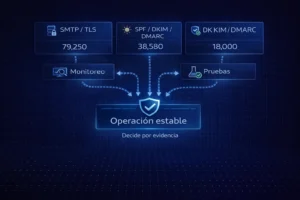
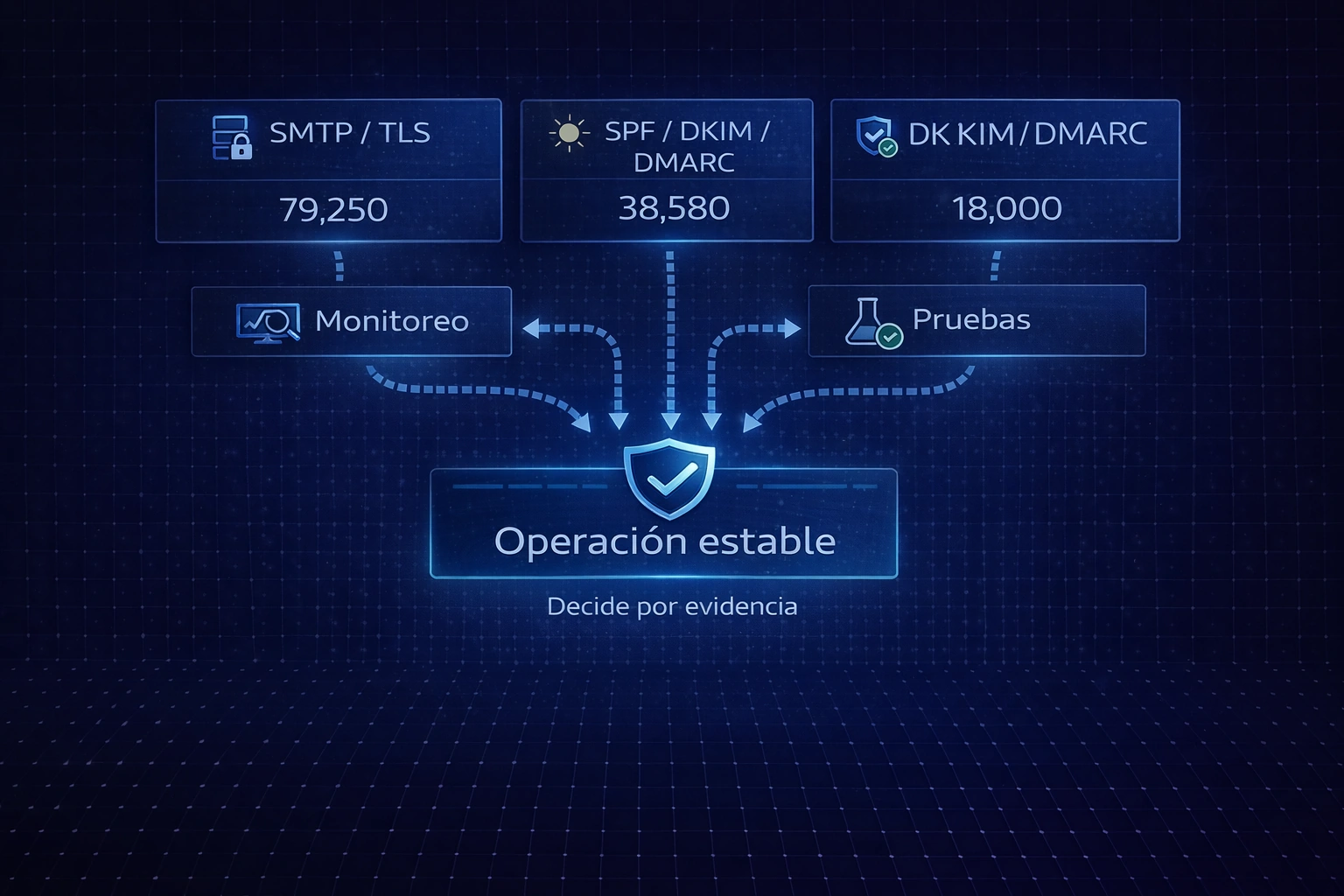
Decide based on evidence, not price.
For an ERP, the provider must guarantee three layers: transport, authentication, and operation.
1) Transport: SMTP with TLS and standard ports
First, the ERP system must be able to send data via authenticated SMTP. Therefore, the provider must support TLS and standard ports (e.g., 587 with STARTTLS), as this reduces potential firewall or corporate policy blocks. Additionally, the TLS certificate must be valid and negotiate accepted encryption protocols, since many receivers reject insecure or degraded connections.
2) Authentication: SPF, DKIM and DMARC aligned
Next comes deliverability. Although the ERP system "sends" the email, the recipient decides whether to accept it, send it to spam, or reject it. Consequently, SPF, DKIM, and DMARC must be aligned with the sender's visible domain. In fact, without this alignment, email delivery can become intermittent: sometimes it arrives, sometimes it doesn't, and no one knows why unless they check the headers.
3) Operation: monitoring, queues, logbook and support
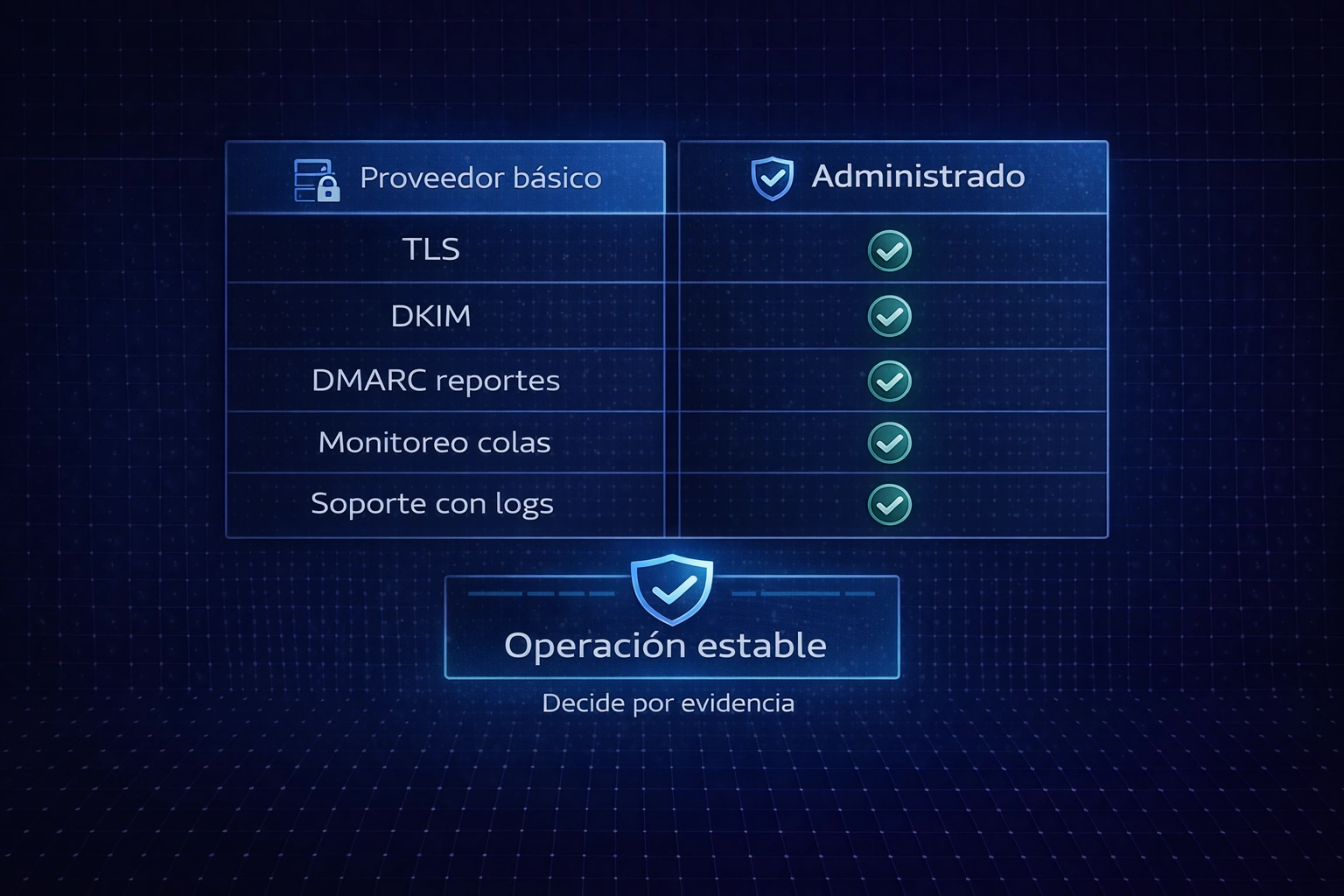
Ultimately, the operation defines long-term stability. A good ERP provider doesn't just "give mailboxes," but also monitors queues, bounces, and alerts, and can diagnose issues using headers, logs, and SMTP codes. Therefore, when something changes (recipient policies, reputation, DNS), there is evidence to correct it, not just assumptions.
If you want to start with a no-obligation review and get your case down to speed with a checklist: 👉 Receive advice without obligation.
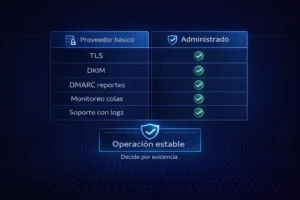
Fewer bounces and more commitment
Email Provider for Enterprise ERP: The Right Design of Senders and Mailboxes
In ERPs, it's advisable to separate "system email" from "user email." That is, the ERP should send emails from role-based senders (for example, billing@, collections@, notifications@), while users manage their daily email without accessing the system's email channel. This way, even if staff changes or user passwords are rotated, the ERP system remains unaffected.
Furthermore, role-based senders improve traceability. For example, if billing consistently sends from the same sender, you can monitor that sender's reputation, adjust DMARC settings, and detect anomalies. Consequently, your operations no longer rely on "let's see if it arrived."
It's also a good idea to define simple rules: who manages DNS, who approves email changes, and how these changes are documented. This reduces recurring incidents that occur when "someone moved something" without notifying anyone.
Email Provider for Enterprise ERP: Tests that should be required before operating
To select a supplier wisely, it is advisable to demand proof, not promises.
-
Proof of delivery towards Gmail, Outlook and corporate domains, because, that way, you see real behavior on different recipients.
-
Header review to confirm SPF/DKIM/DMARC are aligned, as that determines trust.
-
Test with real attachments (PDF/XML/reports), because that's where limits and filters appear.
-
Peak test (if your ERP sends in batches), to validate queues and limits.
Consequently, a well-made selection reduces "surprises" at the end of the month, during campaigns, or during periods of high traffic.
To get that evaluation done by a specialist and not waste time, click here: 👉 Analyze your case with a specialist.
Email Provider for Enterprise ERP: Queue Monitoring and Alerts as a Competitive Advantage
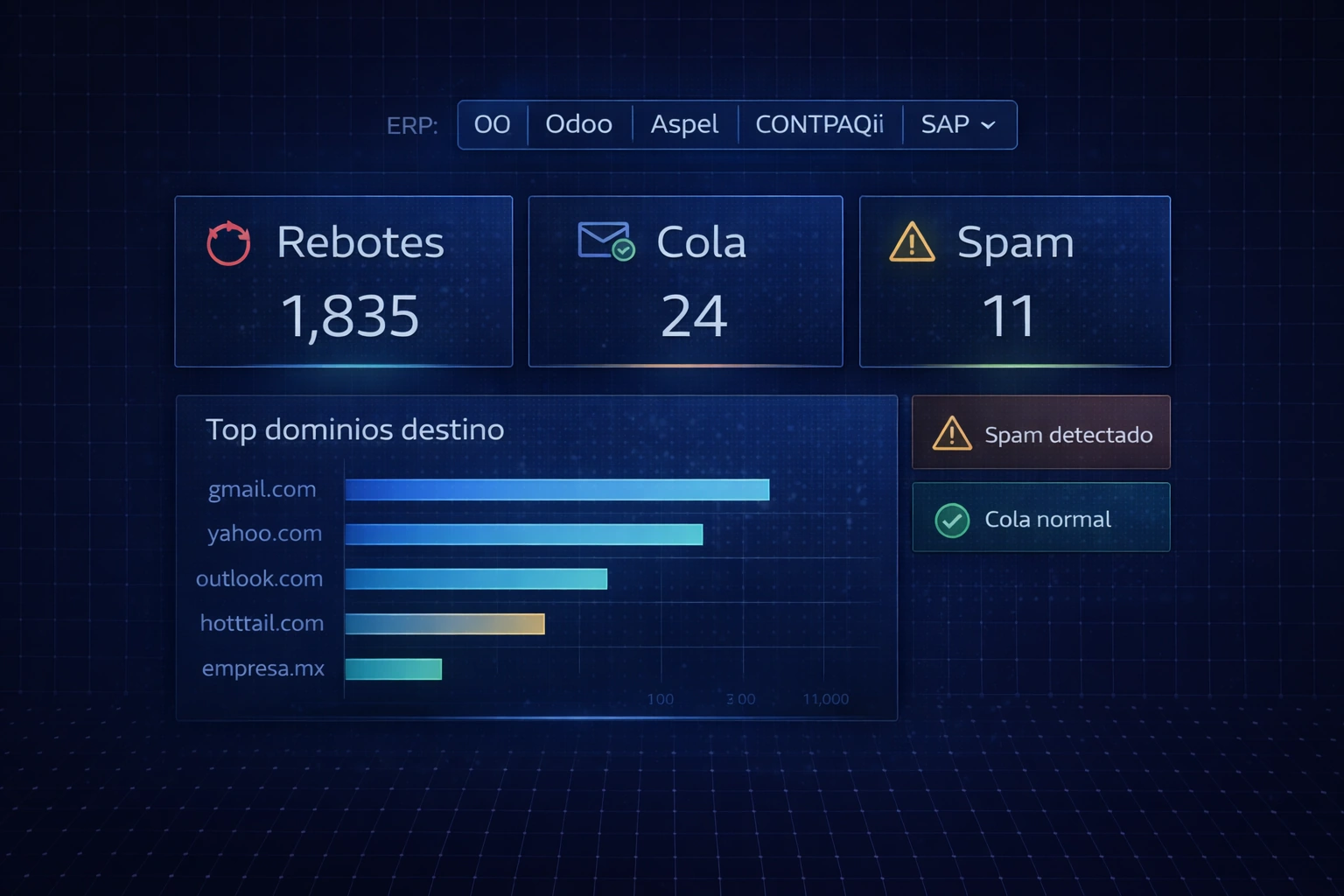
Most companies find out too late: when the user reports a problem or when the customer complains. That's why monitoring is a key selection criterion. If the provider monitors queues, bounces, and alerts, you can detect degradation before it becomes a crisis.
In operation, if a queue grows, there's a block. If bounces increase, there's a reputation or DNS issue. If DKIM alerts appear, something has changed. Consequently, monitoring reduces "blind time" and accelerates fixes with evidence.
Furthermore, monitoring protects reputation. This means that if you detect an increase in complaints or bounces, you can adjust mailings, segment senders, or tighten policies before the domain is flagged. Therefore, the ERP's email service doesn't degrade over time.
Email Provider for Enterprise ERP: Examples by ERP Type and Reusable Lessons

View before the user reports
Although each ERP has its own way of integrating email, the principles are the same: stable SMTP, aligned authentication, controlled senders, testing, and monitoring.
If you operate with an accounting/administrative ERP, you can see how compatibility criteria are applied in the case of CONTPAQi compatible business emailbecause the approach to attachments, deliverability, and sender control applies directly to the rest.
Similarly, if your ERP is a CRM/ERP more focused on tracking and communication, you can review how the email flow, monitoring, and traceability are handled in Business email service for Microsoft Dynamics 365Even if the product changes, the supplier criteria remain the same: evidence, support, and stability.
Email Provider for Enterprise ERP: domain, DNS and hosting relationship
Email and websites share the same domain and DNS. Therefore, even if the email provider is external, the domain is the common point that often breaks due to uncontrolled changes. Consequently, it's important to understand who manages the domain, how records are modified, and how the changes are validated afterward.
As supporting content (not as a CTA), this guide helps to understand dependencies and responsibilities between domain, DNS, and service management: How to get web hosting with cPanel and a domainThe relevant thing here is the process: defining control, logging and validation, so that the ERP email does not depend on "who touched DNS".
Email Provider for Enterprise ERP: Quick Selection Checklist
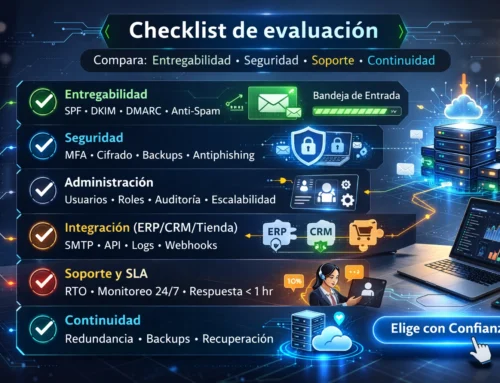
If you want to choose quickly, but thoughtfully, use this checklist:
-
SMTP authenticated with TLS and standard port.
-
SPF, DKIM and DMARC aligned and verifiable in headers.
-
Support capable of reading logs and SMTP codes; also, with scalability.
-
Monitoring of queues, bounces and alerts.
-
Tests with real attachments and typical ERP volumes.
-
Senders by role and documented change control.
-
Business continuity plan: backups, log and recovery.
With this checklist, the question shifts from "how much does it cost?" to "how much risk do I eliminate?" Therefore, you choose based on the operation, not the price.
If you're ready to land the ideal provider based on your ERP and your volume: 👉 Talk to a Business Email Specialist.
Email Provider for Enterprise ERP: Seamless Implementation
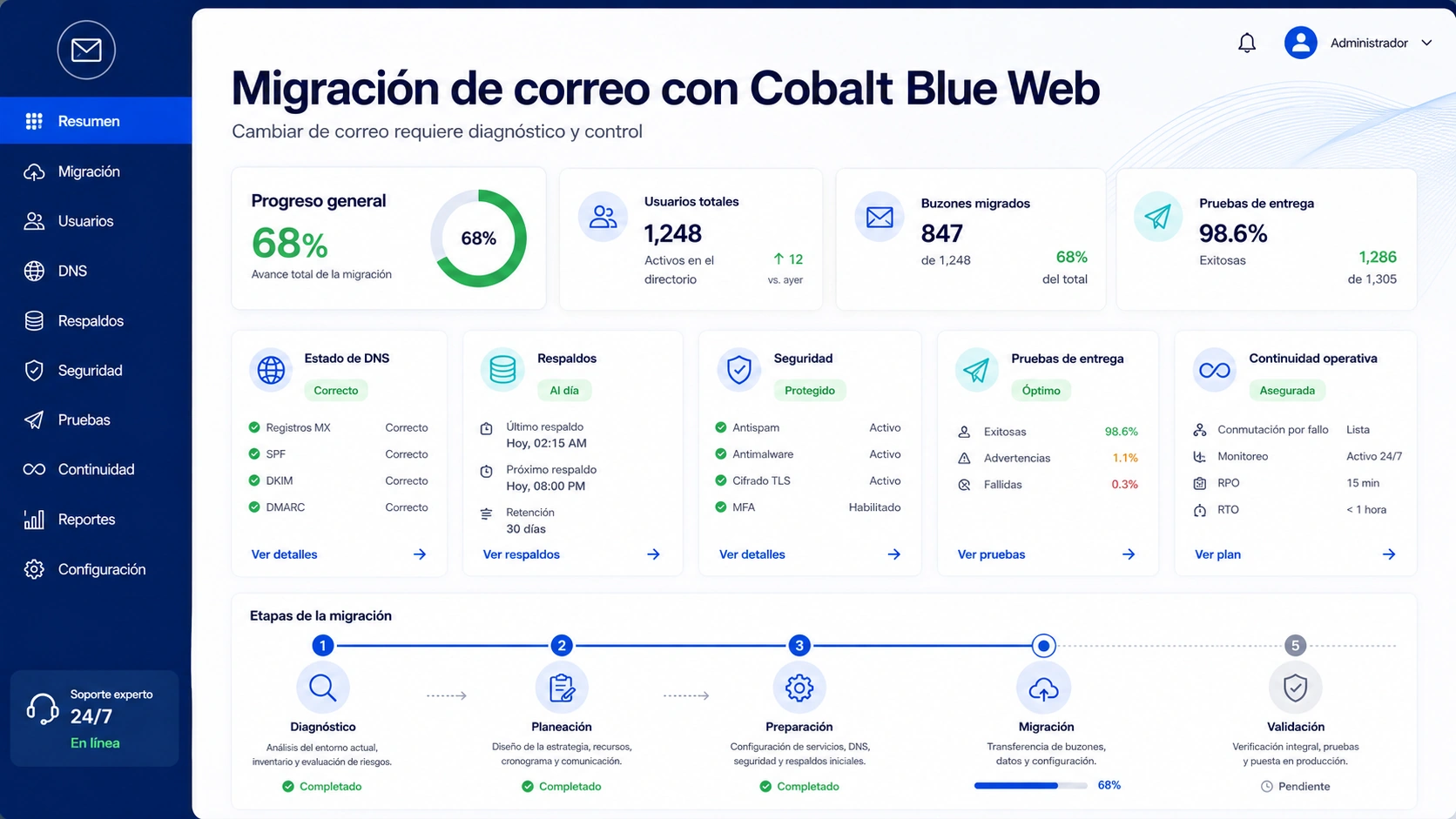
Finally, choosing the provider is only part of the process. Then, implementation must be carefully controlled: validate DNS, test sending, test attachments, monitor queues, and document changes. This way, you avoid a "blind" migration that often results in intermittent service.
A typical, well-executed plan includes: a low TTL before changes, an adjustment window, pre- and post-testing, and 48–72 hour monitoring. Additionally, internal stakeholders are assigned to maintain control of the domain.
To conclude with an actionable step of hiring and local support: 👉 Get your Corporate Email with Support in Mexico.
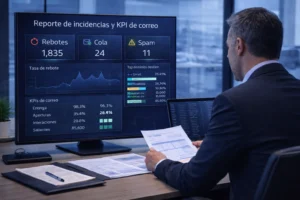
Support that solves with data
FAQs: Frequently asked questions about email providers for ERP
1) What is the most important criterion when choosing an Email Provider for Enterprise ERP?
Deliverability and diagnostics with evidence. That is, SPF/DKIM/DMARC aligned, SMTP with TLS, and support that works with headers and logs.
2) Why does the ERP email go to spam even though it "does send"?
Because the receiver evaluates authentication and reputation. Therefore, without correct SPF/DKIM/DMARC or with inconsistent senders, the message is degraded.
3) What should I test before migrating or changing providers?
Sending to multiple recipients, checking headers, testing with real attachments, and validating queues/alerts. This reduces surprises.
4) Is it better to use one sender per user or per department?
By department or role for continuity, and also with clearly defined responsibilities. This way you avoid depending on a single person and maintain traceability.
5) What evidence should support provide when there is a bounce?
SMTP code, complete headers, and, where applicable, server logs. Consequently, the diagnosis is verifiable and the correction is clear.
6) What happens if someone changes the domain's DNS?
It can break authentication and deliverability. Therefore, change control, logging, and post-adjustment validation are advisable.
7) How are silent faults detected before the user?
With queue monitoring, bounce tracking, alerts, and trend analysis, the team can make corrections before the customer complains.
8) When is a managed service appropriate?
When the ERP is critical, involves sensitive attachments, high volume, or intermittent outages, managed services reduce risk and accelerate response.
9) Can a “cheap” supplier end up being expensive?
Yes, because the real cost comes in lost time, reshipments, urgent requests, and damaged reputation. That's why it's best to choose based on stability and support.
 We provide the service you need, click here